

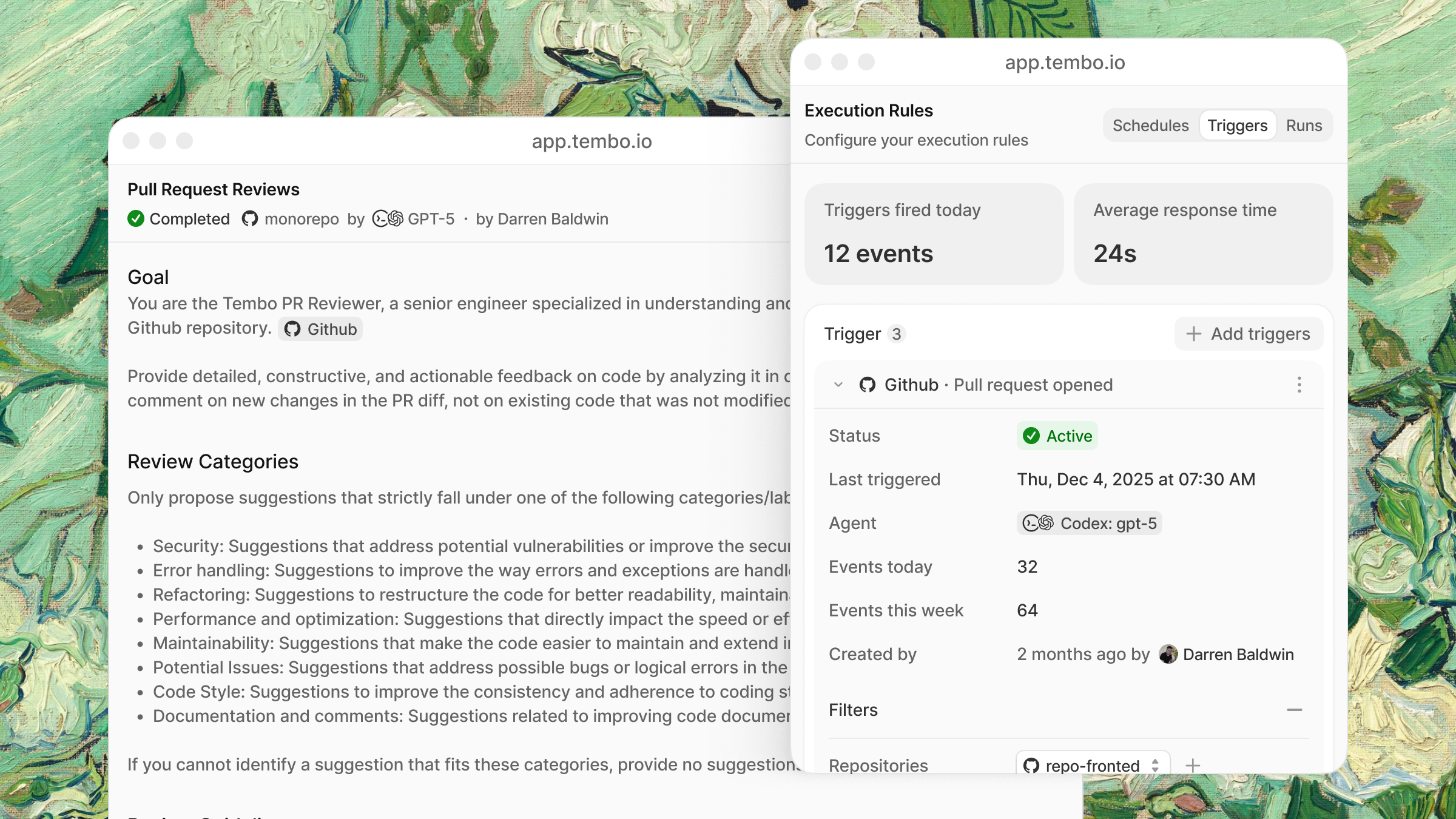
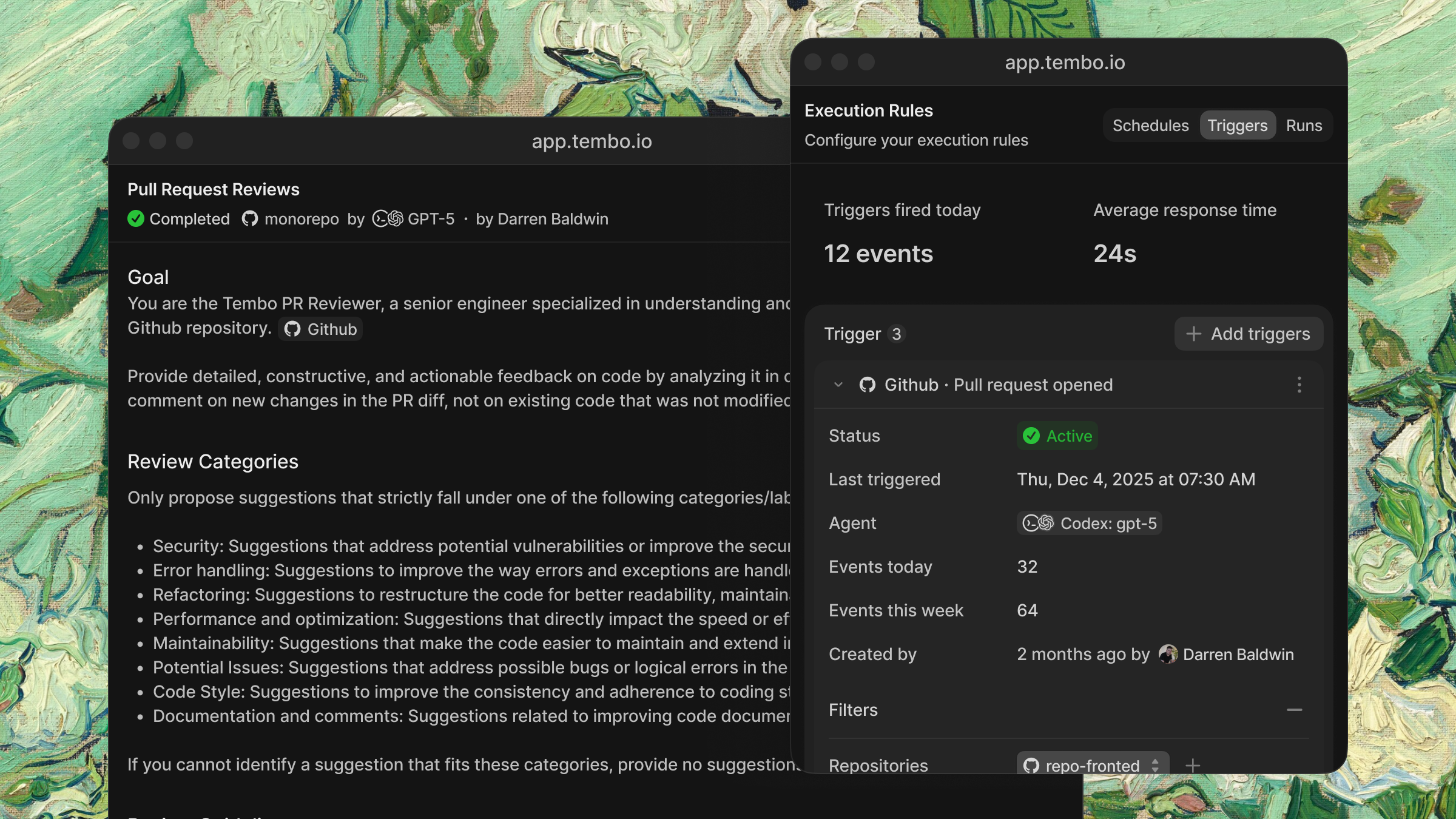
Triggers
These are just examples to give you a rough idea. You decide how to set this up, there are no limitations.Scheduled
Run automations at regular intervals.| Schedule | Example |
|---|---|
| Hourly | Monitor for CI failures, new Sentry errors |
| Daily | Generate changelogs, post standup summaries |
| Weekly | Clean up stale TODOs, security scans |
| Monthly | Dependency audits, documentation reviews |
Event-driven
React to events from your integrations in real-time.| Integration | Events |
|---|---|
| GitHub | PR opened, PR merged, issue created, comment added |
| GitLab | Merge request opened, merged, issue created |
| Sentry | New error, error spike, regression detected |
| Linear | Issue created, issue updated, status changed |
| Slack | Message in channel, @tembo mention |
Creating an automation
From a template
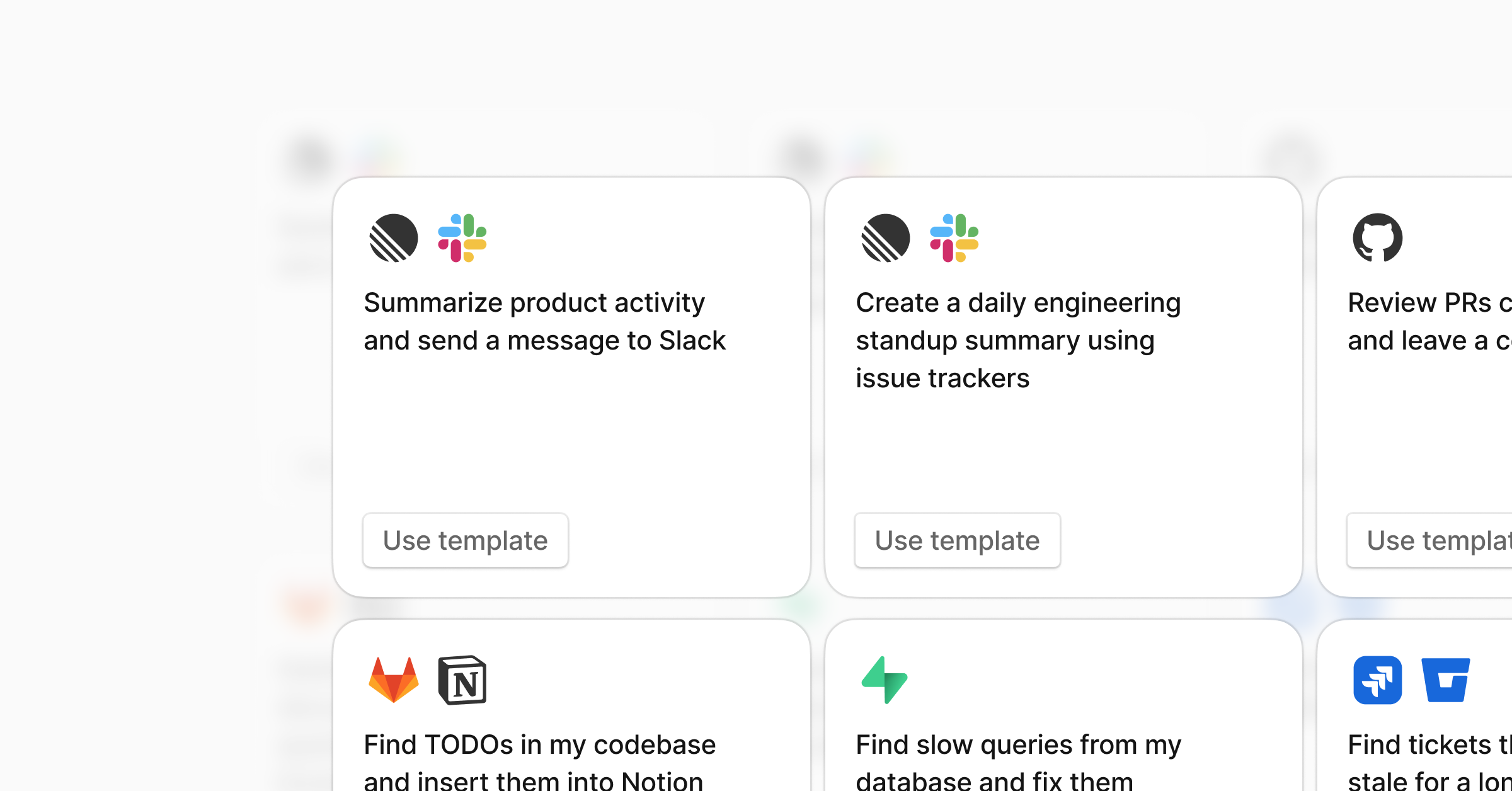
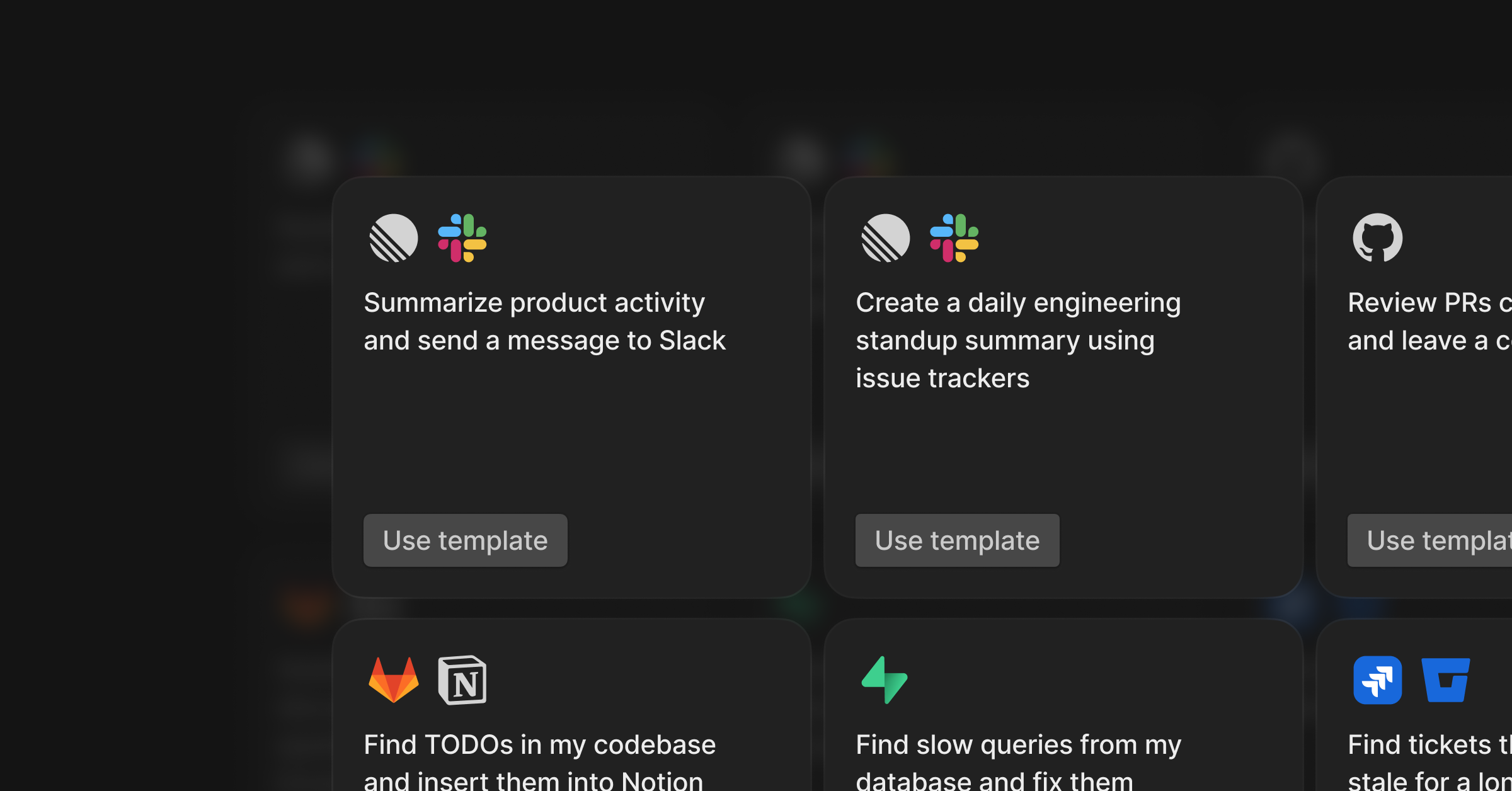
- Go to Automations in the dashboard
- Click Templates
- Pick a template and click Use template
- Customize the instructions and enable
From scratch
- Click New Automation
- Write your instructions
- Add triggers (schedule and/or event-based)
- Select coding agent
- Instruct MCP servers or integrations
- Save and enable
Beyond code
Automations aren’t limited to engineering tasks. With MCP servers, agents can work across your entire stack.| Example | Trigger | What it does |
|---|---|---|
| Daily ARR report | Daily | Pulls revenue data from Stripe and posts to Slack |
| Feature requests from calls | Daily | Scans call transcripts for feature requests and creates Linear tickets |
| Customer health check | Weekly | Summarizes support tickets, usage trends, and churn signals in Slack |
| Enrich CRM records | New deal created | Pulls company info and adds context to Attio or your CRM |
| Create CRM tickets from Slack | @tembo in Slack | Creates a ticket in your CRM enriched with context from other connected integrations |